The Korotek platform for luxury hotels and resorts
KoroCRM.
One connected platform for understanding your guests, running your resort, delivering service, and powering your guest app.
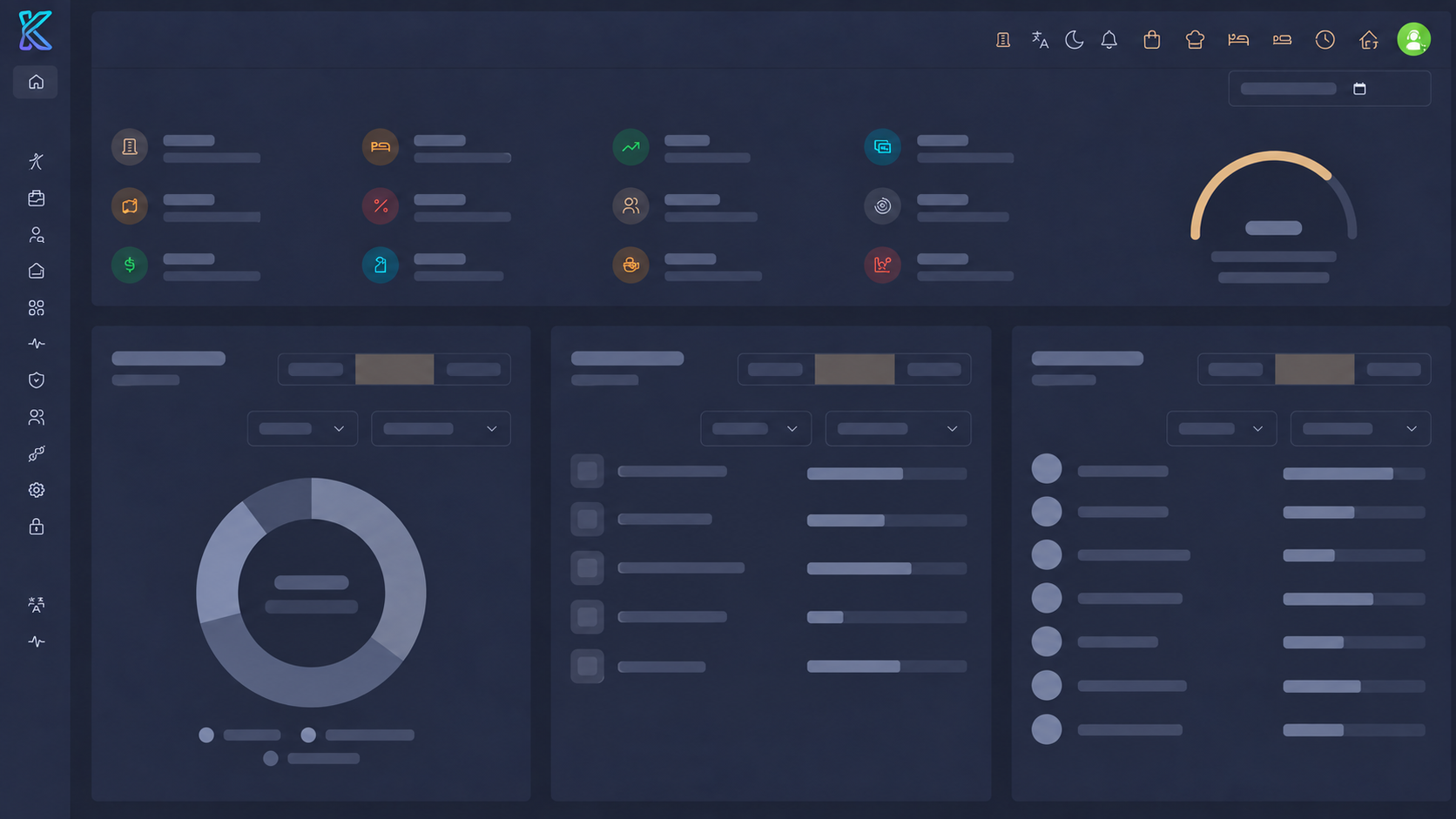
The platform at a glance
Four connected areas. One resort-wide view.
GXM 360
Guest intelligence
A complete picture of every guest, ready when your team needs it.
OPX 360
Staff operations
The daily work behind a seamless stay, coordinated in one place.
GDX 360
Guest services
Guest requests and service conversations, from first ask to resolution.
CMS 360
Guest app framework
The content and controls behind a resort's guest-facing mobile app.
Know the person behind every stay.
GXM 360 brings the information your team needs into a single guest view, so service can be informed, personal, and consistent.
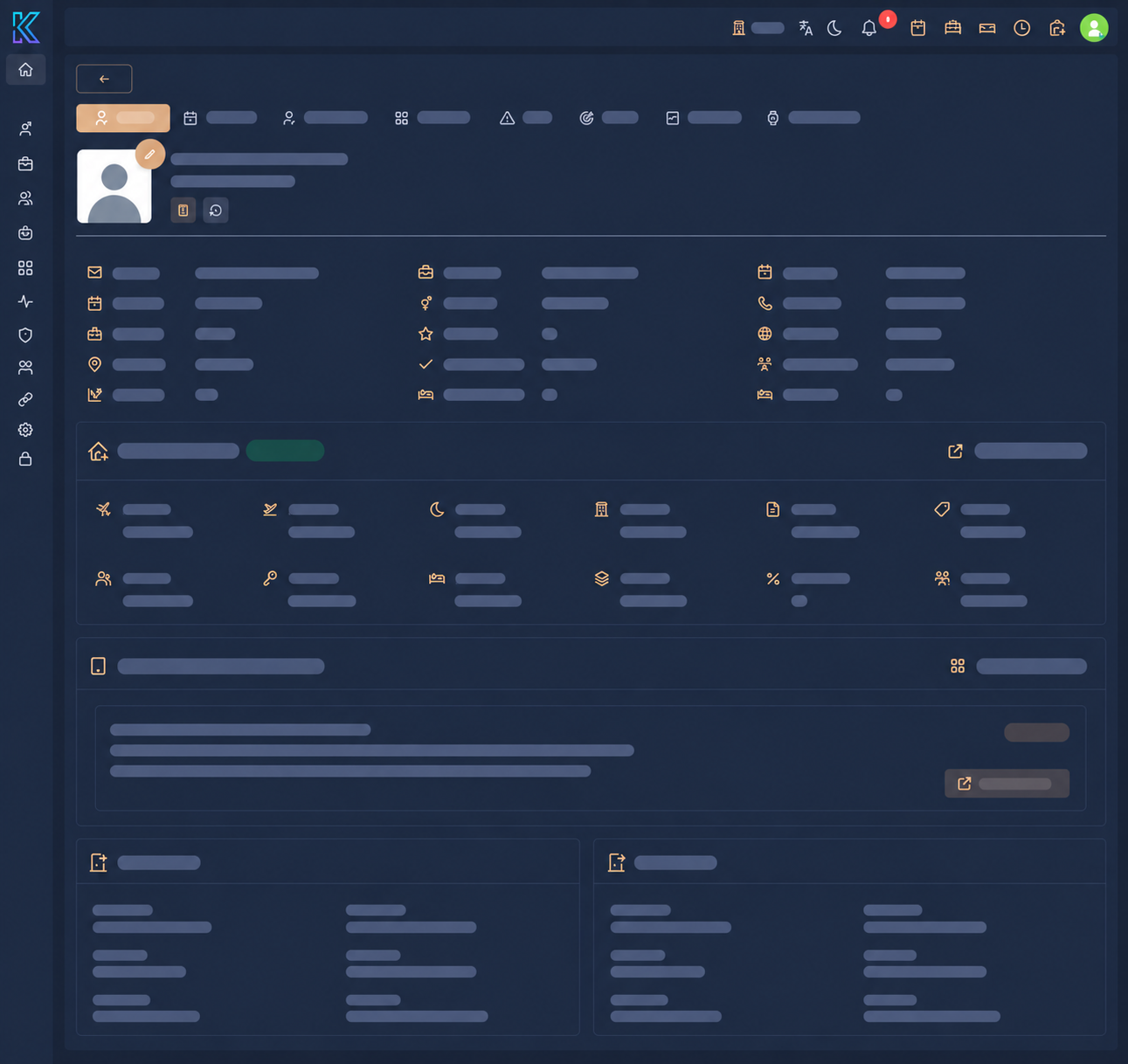
Guest profiles & statistics
Each guest has one profile that gathers personal details, stay history, and statistics over time. Instead of checking several systems, your team opens the guest and sees who they are, how often they visit, and how their stays have gone.
In practice
- Build a complete picture of every guest: contact details, stay history, and personal statistics in one place.
- Recognize returning guests instantly and pick up each stay where the last one ended.
- Give front desk, spa, and service teams the same view of the guest, so no one asks for information twice.
Preferences
Record the details that make a stay feel personal — from preferred treatments and dining choices to room setup and communication style. Preferences stay with the profile, so they inform the next stay as well as the current one.
In practice
- Capture preferences during booking, check-in, or any interaction with the guest.
- Surface relevant preferences at the right moment, so staff can act on them without searching.
- Keep preferences consistent across teams, shifts, and properties.
Insights & glitches
Guest insights and service issues sit next to the guest record, so patterns become visible and follow-ups do not get lost. A recurring issue is flagged, owned, and resolved rather than repeated.
In practice
- See insights and reported issues directly on the guest profile.
- Track each issue from report to follow-up to resolution.
- Spot patterns across stays and act on them before they affect the next visit.
Questionnaires & documents
Bring guest responses, health intake, consent forms, and other documents into the profile. Everything your team needs to prepare for a stay is stored with the guest, not in inboxes or paper files.
In practice
- Collect guest responses through questionnaires before and during a stay.
- Attach documents to the profile so they are available to authorized staff at any time.
- Keep personal information organized, findable, and handled with appropriate care.
Give every task a clear path forward.
OPX 360 is the staff-focused home for the work that keeps a property running, from a reported issue to a completed inspection.
Ticketing
Staff raise tickets for a specific department, sub-department, and category. The system assigns the people responsible, keeps work visible, and escalates delayed tickets to department heads for timely follow-up.
In practice
- Route each ticket to the appropriate department and sub-department.
- Assign the relevant staff and track progress through to completion.
- Escalate late tickets to heads of department for follow-up.
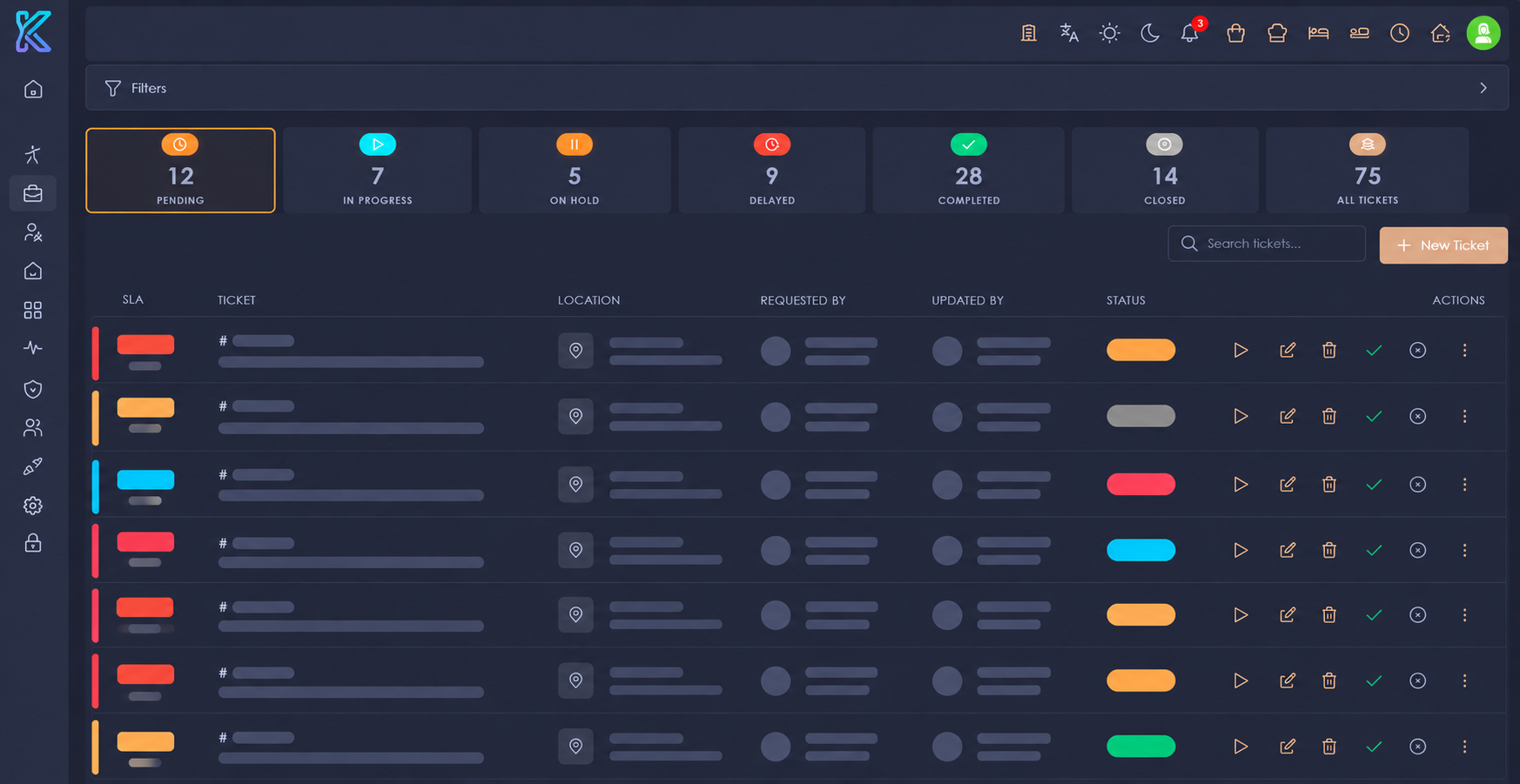
Staff raises a ticket
Select department, sub-department, and category.
01 / INTAKEThe right people are assigned
The system routes the job to relevant staff.
02 / INTAKEWork is followed up
The team works on the ticket and tracks its status.
Department head follows up
If the ticket is late, it is escalated for timely action.
Maintenance
Mark individual assets and build specialized maintenance lists for each type of asset, so teams can carry out the right checks for the right equipment.
In practice
- Identify assets across the property.
- Create maintenance lists tailored to different assets.
- Work through the relevant list for each asset.
Mark the asset
Identify the room, facility, or piece of equipment.
Build its list
Set up maintenance items specific to that asset.
Carry out the work
Use the asset's list to guide the team.
Housekeeping
Run housekeeping from live room status. Dirty, occupied, and other room states drive the work: supervisors assign rooms to staff for full cleaning or turn-down service, and every finished room is inspected before it is ready again.
In practice
- See each room's current status — dirty, occupied, and more — at a glance.
- Assign rooms to housekeeping staff for full cleaning or turn-down service.
- Have supervisors inspect each room once the clean is finished.
Room status updates
Rooms show as dirty, occupied, and more.
Supervisor assigns
Rooms are given to staff based on their status.
Staff clean the room
Full cleaning or turn-down service.
Supervisor inspects
The finished room is checked and signed off.
Inspections
Inspections can focus on an asset or a task. Build reusable checklists for different inspections and mark or unmark every item as the team goes through the check.
In practice
- Choose an asset-focused or task-focused inspection.
- Create checklists that can be repeated for later inspections.
- Mark or unmark every checklist item during the inspection.
Choose the focus
Inspect an asset or a task.
Use a checklist
Create one or reuse it for another inspection.
Check every item
Mark or unmark each item on the list.
Lost & found
Keep lost-item reports and found-item records together. Guests can claim found items, giving staff a clear place to review what was lost, what was found, and who is claiming it.
In practice
- Report an item that has gone missing.
- Record items that staff find on the property.
- Review and process claims for found items.
Report a lost item
Record what is missing.
Log a found item
Keep the found item's details on record.
Claim the item
Review the claim and coordinate its return.
Service that stays connected to the guest.
From everyday requests to an AI concierge, GDX 360 helps your team respond to what guests need and keep the human touch in every interaction.
Guest requests
A guest makes a request in the resort's mobile app. AI categorizes it and routes it to the relevant department. Staff can chat with the guest for more details while the guest sees progress in real time, until a staff member closes the request.
In practice
- AI classifies app requests and sends them to the right department.
- Staff chat with guests and ask follow-up questions in the same conversation.
- Guests follow progress live; staff close the request when the work is done.
-
01GUEST
Guest sends a request
From the resort mobile app.
-
02KOROCRM AI
AI classifies it
The request is sorted into a category.
-
03DEPARTMENT
Department is assigned
It reaches the team responsible.
-
04STAFF
Staff chat & follow up
Ask questions and coordinate the work.
-
05GUEST
Guest sees live progress
The request's status stays visible.
-
06STAFF
Staff closes the request
After the work is complete.
Wake-up calls
Time-sensitive guest services such as wake-up calls are managed with clarity, so the right thing happens at the right time — every time.
In practice
- Schedule wake-up calls against each guest's own timing.
- Confirm completion so nothing is missed during a busy shift.
- Hand over smoothly between shifts and teams.
AI concierge
An AI-powered concierge answers guest questions and helps them discover services, while keeping the human touch — complex or personal matters pass to your staff with the full context.
In practice
- Let guests ask questions and find services on their own terms.
- Hand conversations to staff with context when a human should take over.
- Reduce routine questions so your team can focus on personal service.
Your resort app, managed from one place.
CMS 360 is the framework behind property-specific, guest-facing mobile apps. Shape each app's content and available features while keeping your team in control of what guests can discover and book.
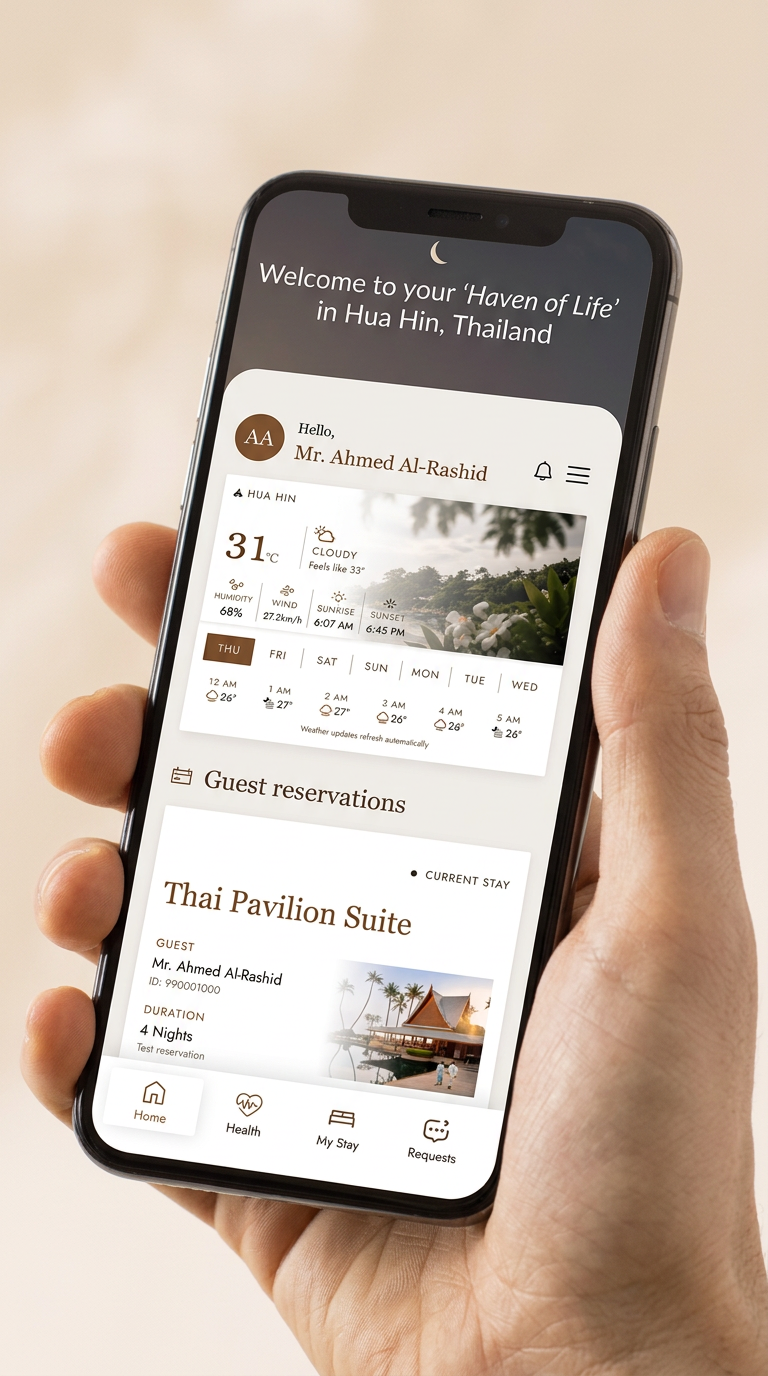
Chiva-Som guest app
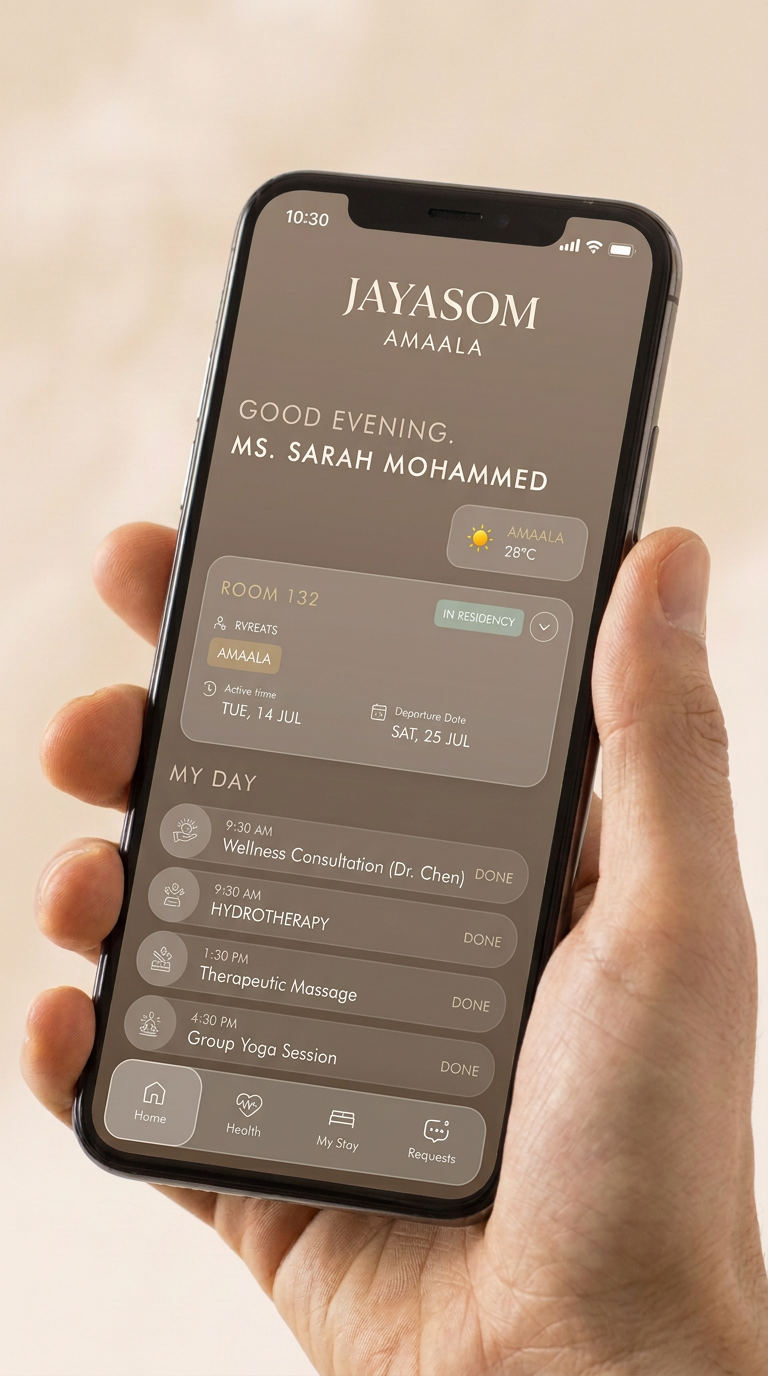
Jayasom guest app
Guest-facing resort apps are separate from the staff-facing KoroCRM mobile app.
See the guest app designsContent management
Manage everything guests see in each resort's own mobile app — from welcome content and activity descriptions to the details that make the app feel like the property, not a generic product.
In practice
- Update app content without involving developers.
- Keep content aligned with the resort's brand and tone of voice.
- Organize and schedule content per property.
Feature controls
Turn app features on or off to suit each property. A resort decides what its guests can do in the app, and that can evolve over time without a new app release.
In practice
- Enable or disable features per property, at any time.
- Match the app to each resort's services and way of working.
- Change what guests see without publishing a new version.
App usage & notifications
Keep track of how the app is being used and reach guests with push notifications when it matters — from activity reminders to service updates.
In practice
- See adoption and usage across guests and features.
- Send push notifications to the right guests at the right time.
- Understand what guests actually use, so the app keeps improving.
Bookable experiences
Present classes, activities, and treatments as a portfolio guests can browse and book in the app — so experiences fill up without a single phone call to the front desk.
In practice
- Publish classes, activities, and treatments as a browsable portfolio.
- Let guests book directly in the resort's own app.
- Keep availability and schedules accurate for every property.
Made for your property
One powerful platform. Your way of working.
Light & dark themes
Choose a light or dark interface to suit the way your team works.
Multiple languages
Make KoroCRM accessible to teams working in different languages.
Fully customizable
Tailor colors, logos, app branding, wording, and dynamic email templates to your company's requirements.
See KoroCRM in context
Let's talk about your resort.
Explore how the modules could work together for your team and your guests.